Frame Capture – Video to Photo
Extract high-quality photos from any video with precision frame-by-frame control.
Frame Capture helps you capture the perfect moment from any video. Import videos, move frame by frame, preview instantly, and save sharp high-quality images in JPG or PNG format.

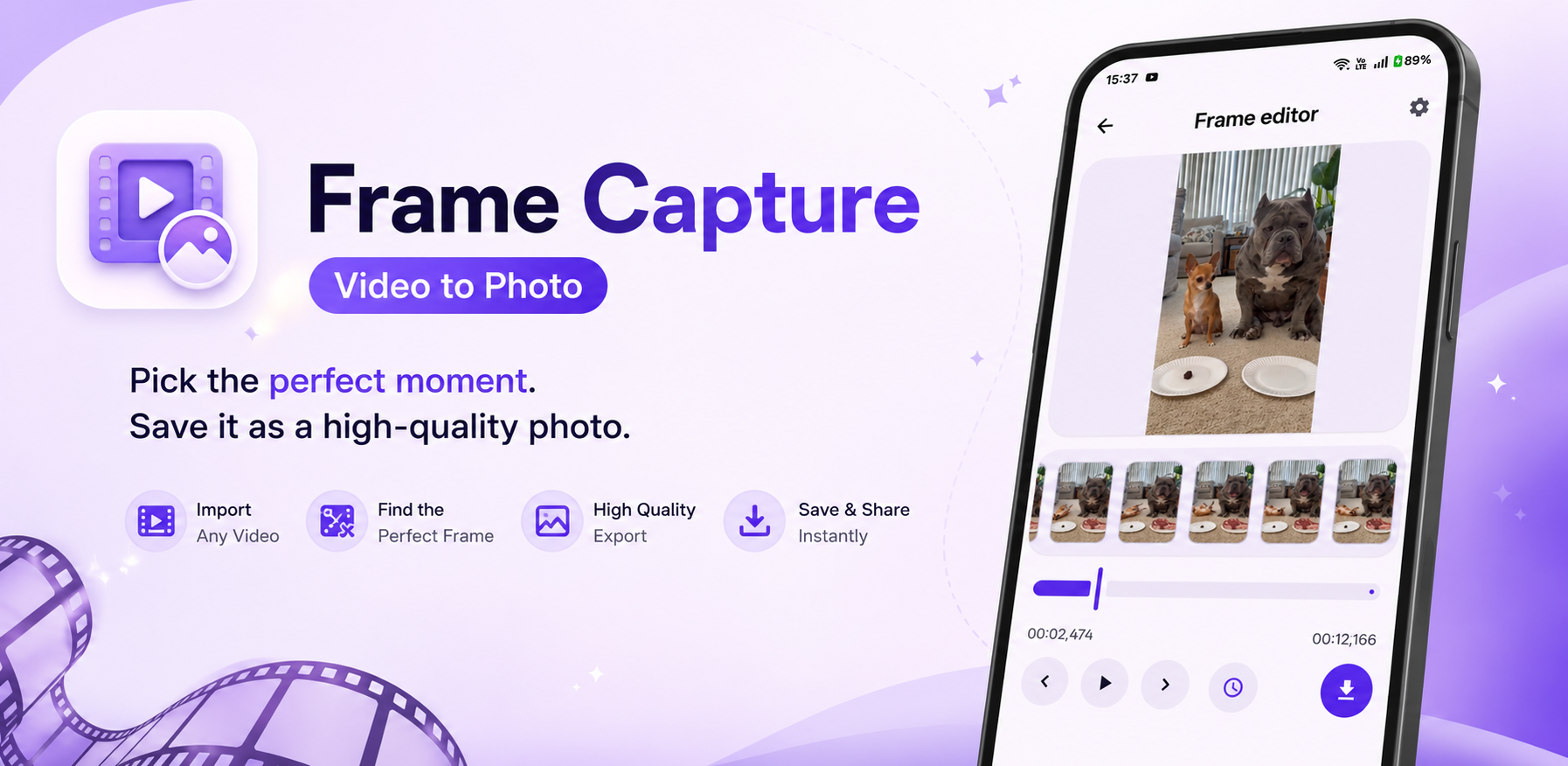
Capture the Perfect Frame
Everything you need to extract sharp stills from videos.
Import Any Video
Select videos directly from your gallery and start extracting frames instantly.
Precision Frame Navigation
Move frame by frame or use millisecond precision controls to capture the exact moment you need.
High Quality Export
Save extracted frames in PNG or JPG with adjustable quality settings.
Smart Preview Timeline
A visual thumbnail timeline helps you quickly locate the best frame.
Fast One-Tap Save
Export frames instantly to your gallery.
Fully Offline
Your videos never leave your device — no cloud uploads, no delays, complete privacy.
Why Choose Frame Capture
Frame Capture is built for creators, gamers, editors, and anyone who needs perfect still images from videos.
See Frame Capture in Action
A quick look at the editor, timeline, and export flow.
How It Works
Three simple steps to extract a perfect still.
Import any video from your device.
Use timeline controls to find the exact moment.
Export as a high-quality image.
Premium Features
Extra polish for power users.
FAQ
Quick answers before you download.
Is Frame Capture free?
Yes. Frame Capture is completely free with ad-supported access.
Does it work offline?
Yes. All processing happens directly on your device.
What export formats are supported?
PNG and JPG.
Does it reduce image quality?
No. Frame Capture preserves frame quality based on your export settings.
Can I choose save location?
Yes. Customize your save folder from settings.
Ready to Capture the Perfect Frame?
Download Frame Capture now and extract stunning high-quality photos from any video.