The Best Video Frame Grabber for Android
Frame Capture is a fast, precise video frame grabber that helps you grab the exact still you need from any video — frame by frame, in full quality.
Whether you need a thumbnail, a social post, a gaming highlight, or a perfect screenshot from a clip, our video frame grabber makes it simple: import, scrub, grab, and save as JPG or PNG.
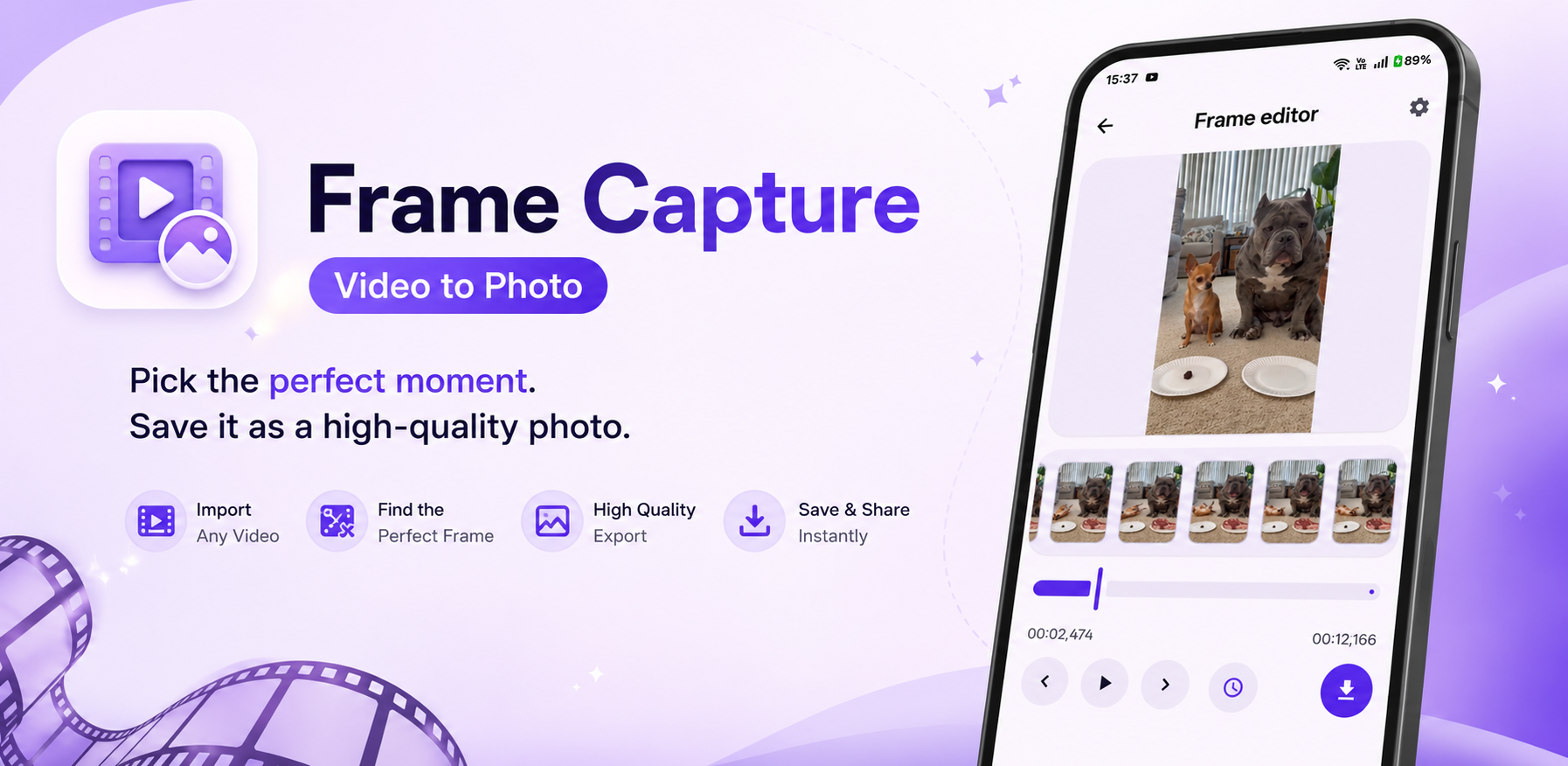
What Is a Video Frame Grabber?
A video frame grabber captures a single image from a video file at a specific timestamp. Unlike a basic screenshot tool, a good frame grabber lets you move precisely through the video — frame by frame — so you never miss the perfect moment.
Frame Capture is designed exactly for this. It works as a lightweight video frame grabber on Android: pick a video, find the exact frame, and export a high-quality still to your gallery.
Why Use Frame Capture as Your Video Frame Grabber
Everything you need to grab sharp frames from videos on Android.
Precise Frame Grabbing
Move frame by frame or use millisecond controls to grab the exact still you need.
Visual Timeline
Thumbnail preview timeline helps you locate the best frame before you grab it.
HD Export
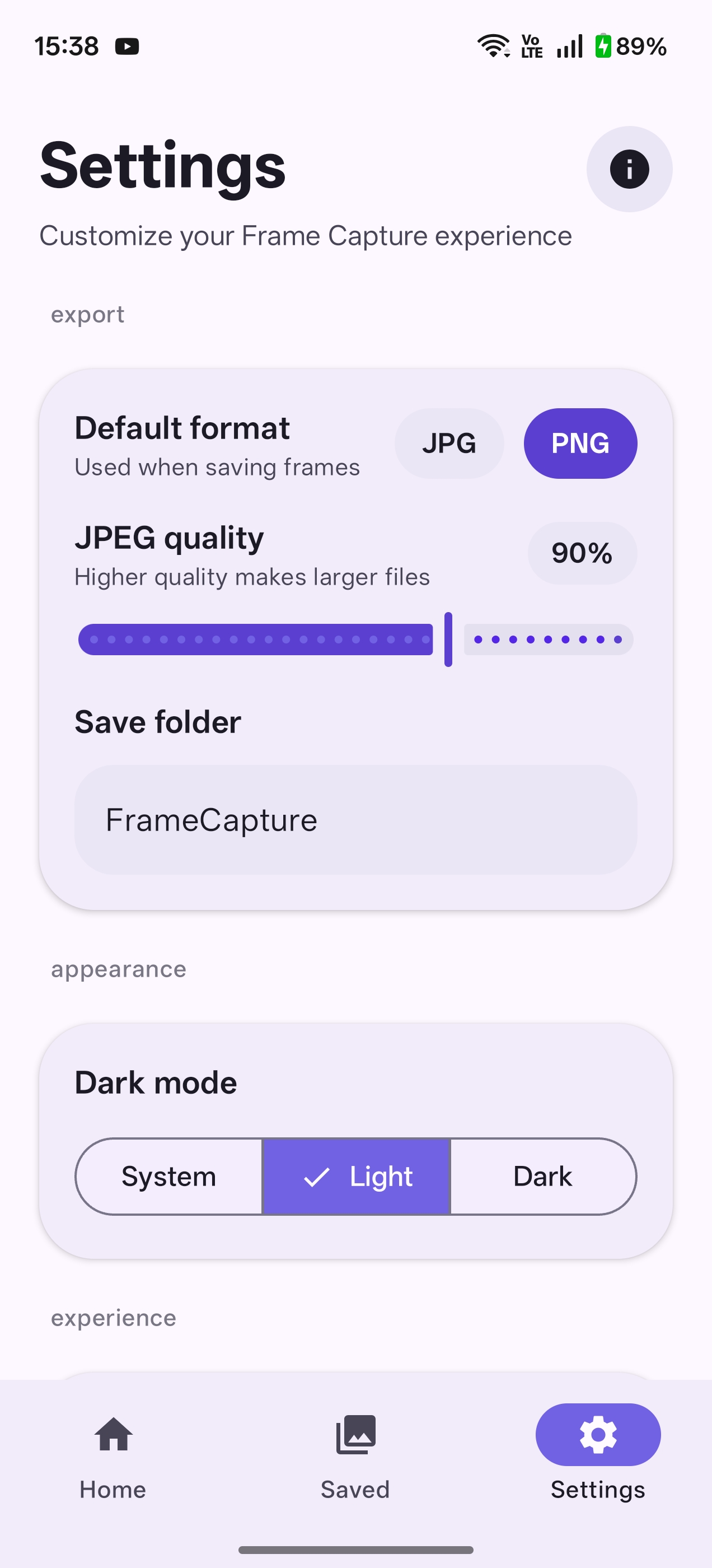
Save grabbed frames as PNG or JPG with adjustable quality settings.
Works Offline
This video frame grabber processes everything on your device. No uploads, no cloud delays.
One-Tap Save
Grab a frame and save it to your gallery instantly with a single tap.
Clean & Fast UI
Minimal design built for speed — grab frames without clutter or complicated steps.
Video Frame Grabber in Action
See how Frame Capture helps you grab frames from videos.
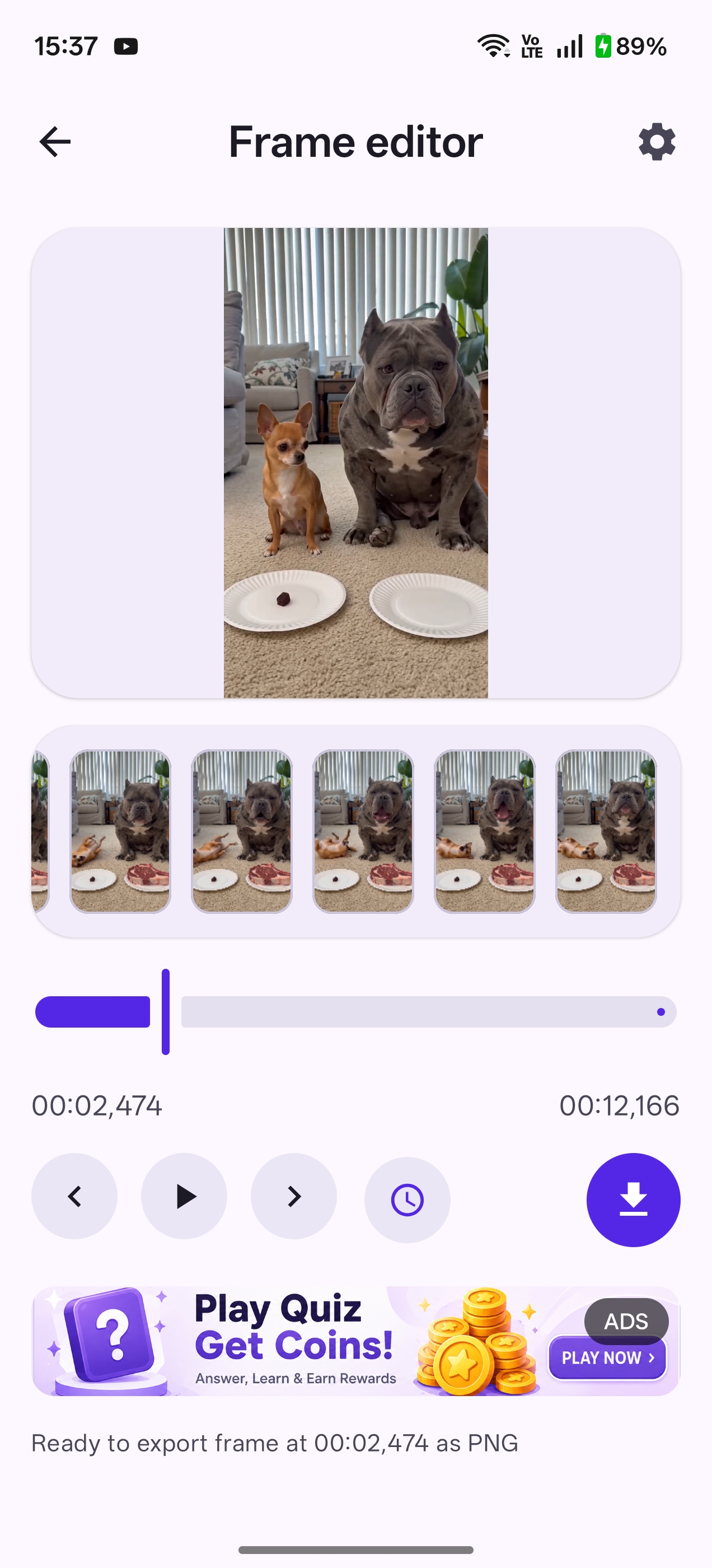
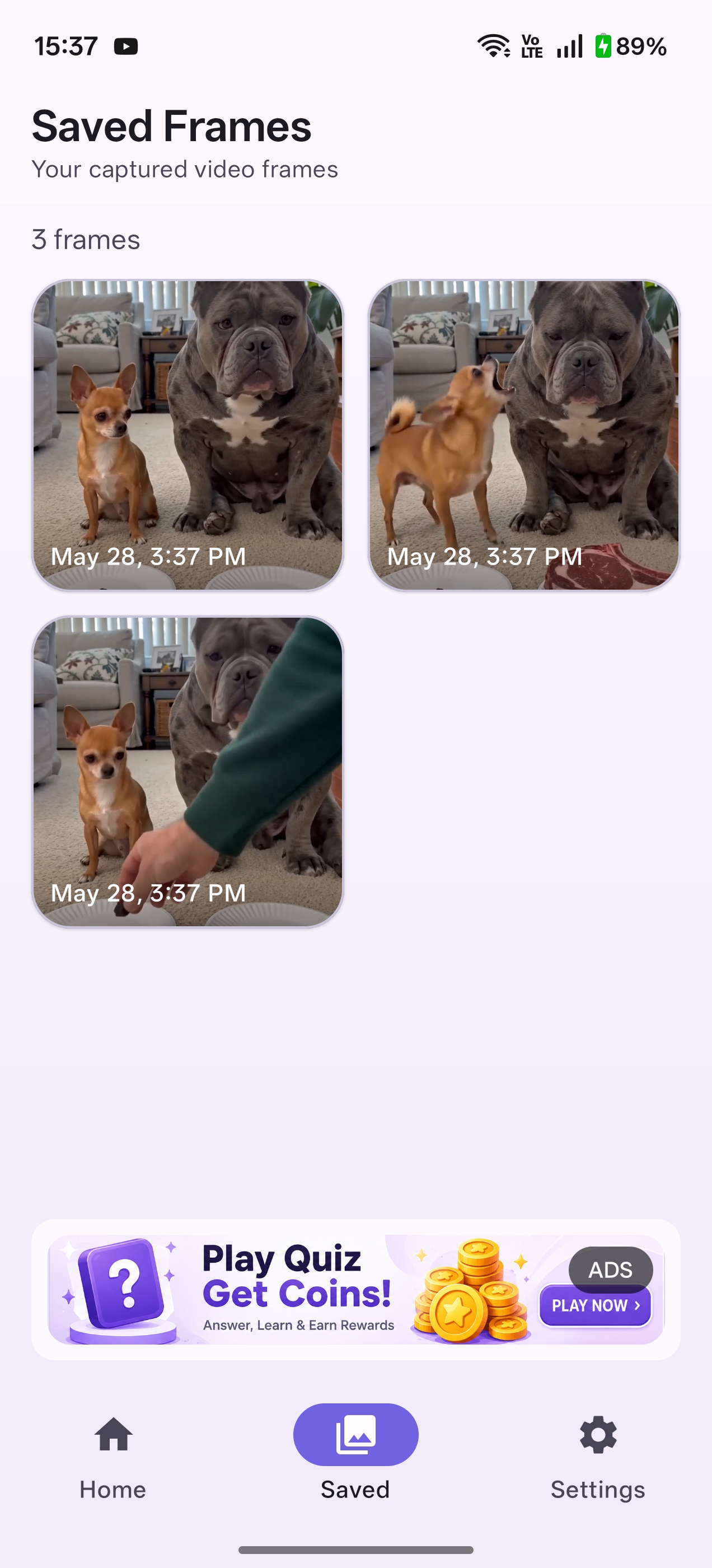
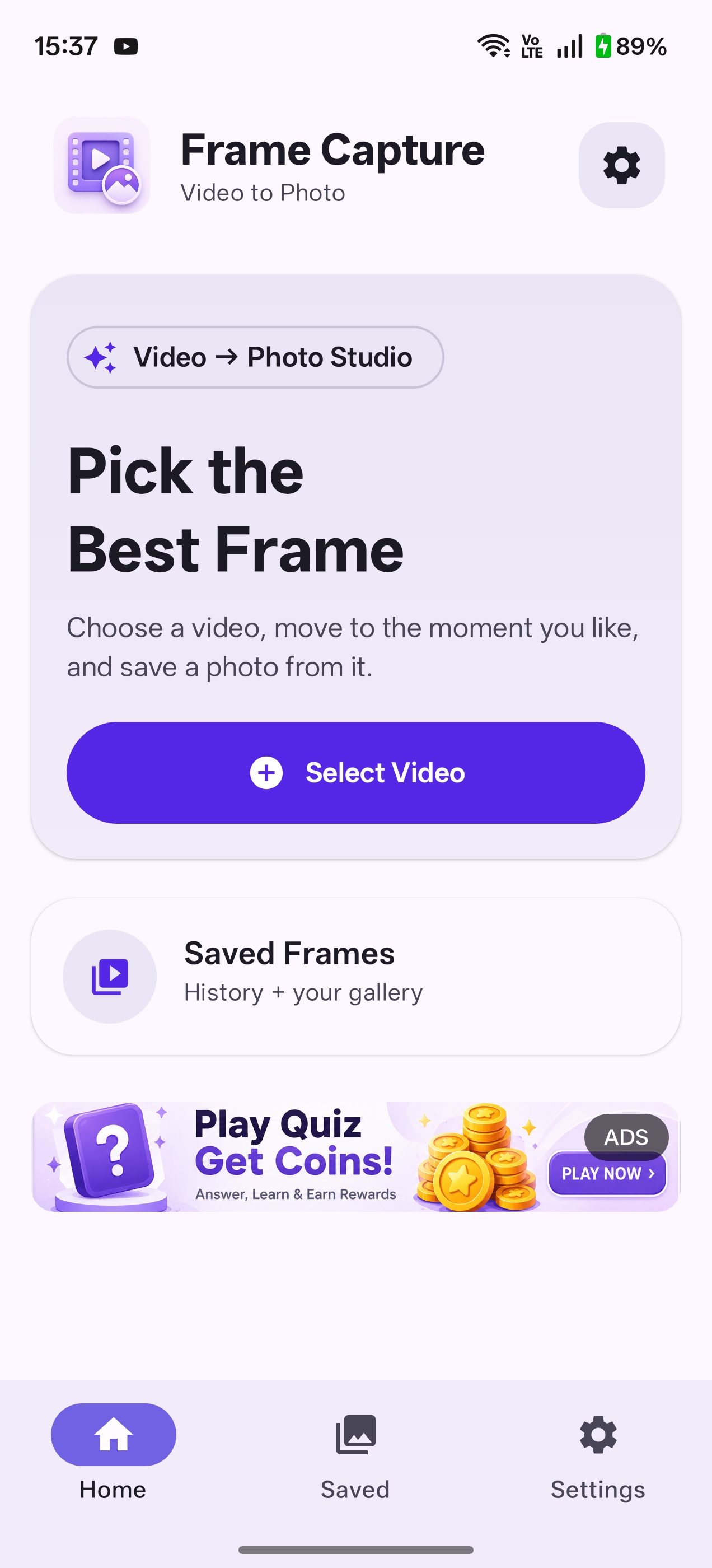
How to Grab a Frame from a Video
Three steps with our Android video frame grabber.
Open Frame Capture and select any video from your gallery.
Scrub the timeline or step frame-by-frame until you reach the moment to grab.
Tap save to export the grabbed frame as a high-quality JPG or PNG image.
Perfect for Every Video Frame Grabber Use Case
Video Frame Grabber FAQ
What is a video frame grabber?
A video frame grabber captures a still image from a video at a precise moment. Frame Capture is an Android app built for this — with frame-by-frame navigation and HD export.
Is Frame Capture a free video frame grabber?
Yes. Frame Capture is completely free to download and use as a video frame grabber, with ad-supported access.
Does this video frame grabber work offline?
Yes. All video processing and frame grabbing happens locally on your Android device. Your videos never leave your phone.
What formats can I save grabbed frames in?
You can export grabbed frames as PNG or JPG with adjustable quality settings.
Download the Best Video Frame Grabber for Android
Get Frame Capture free on Google Play and start grabbing high-quality frames from any video today.